
The latest viral AI post making the rounds says: "China just leaked the future of web apps."
The claim is dramatic. The technology behind it is real.
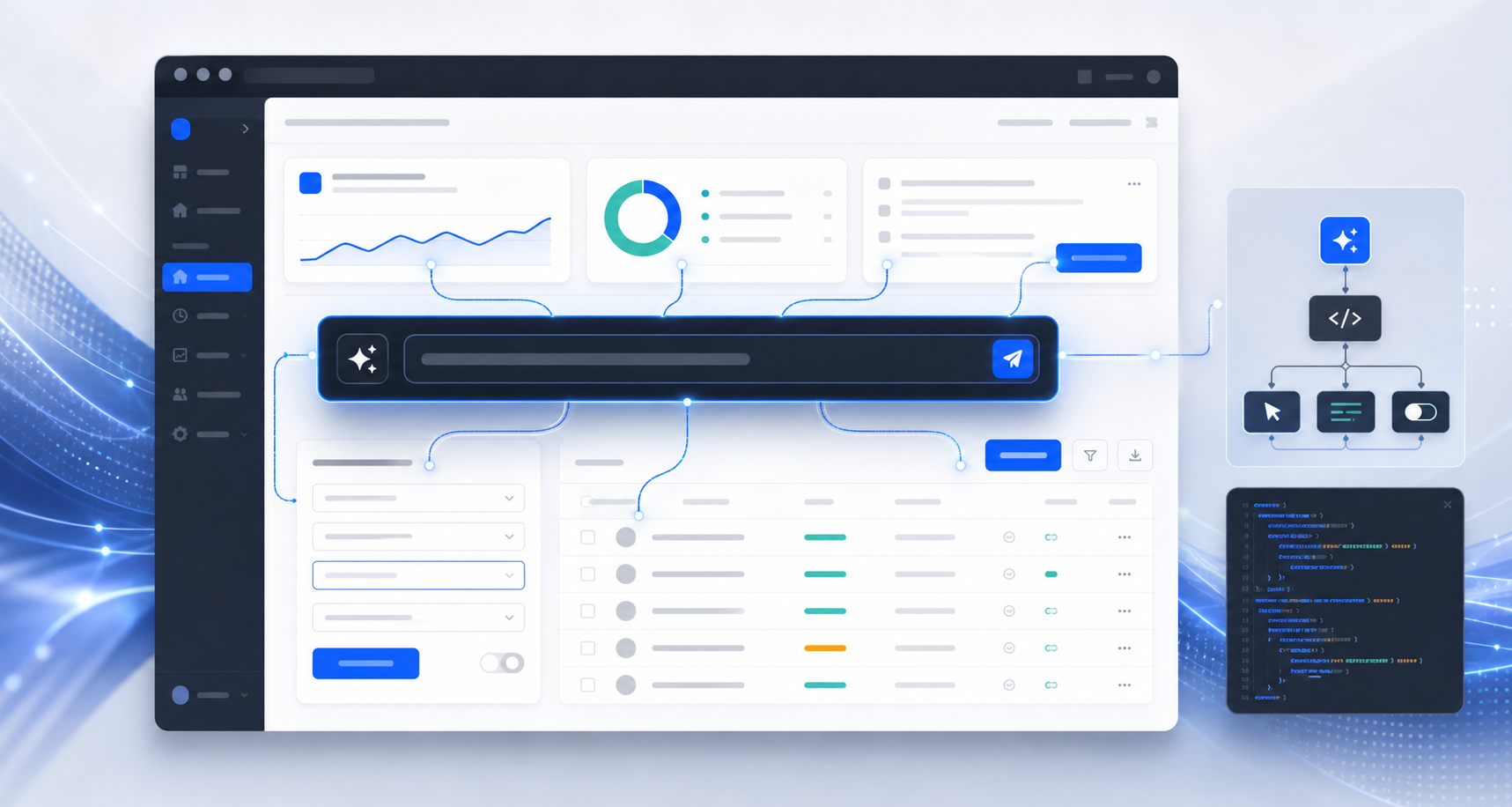
Alibaba's open-source PageAgent project is a JavaScript/TypeScript in-page GUI agent that lets a web page expose its interface to natural-language control. The project describes itself as "The GUI Agent Living in Your Webpage" and positions the library as a way to give any page its own AI agent with a single script.
At LensCraft IT Ventures, we think the real story is not "every developer building copilots just got replaced." That is social-media exaggeration. The real story is more interesting:
The web UI is becoming machine-operable from the inside, not only from browser extensions, APIs, or external automation tools.
What PageAgent Actually Is
PageAgent is an open-source project under the alibaba/page-agent GitHub organization. As of our research pass on July 10, 2026, the repository was active, MIT licensed, TypeScript-based, and had crossed roughly 25k GitHub stars with more than 2k forks.
The NPM package ecosystem includes:
page-agent@page-agent/ui@page-agent/page-controller@page-agent/llms@page-agent/mcp
The core idea is simple:
User intent
-> LLM interpretation
-> simplified DOM understanding
-> planned UI action
-> click/type/select/inspect inside the page
-> observe result
-> continue or stop
The PageAgent README emphasizes that this is client-side web enhancement, not server-side browser automation. It works inside the web page rather than controlling a remote browser session from the outside.
Why This Matters
Most AI web automation today falls into one of four categories:
| Pattern | How It Works | Tradeoff |
|---|---|---|
| Browser extension agents | Extension observes and controls the browser | Powerful, but needs install and permissions |
| Headless browser agents | Server-side Playwright/Puppeteer style automation | Useful for backend tasks, but disconnected from user's live UI |
| API-first agents | Agent calls structured backend APIs | Reliable, but requires backend integration work |
| In-page GUI agents | Agent lives inside the app UI and manipulates DOM/actions | Easy to embed, but needs strong safety boundaries |
PageAgent pushes the fourth pattern forward.
That matters because most SaaS products are still UI-first. Their actual business workflows live in forms, filters, tables, buttons, modals, dropdowns, and dashboards. If an agent can understand and operate those UI elements from inside the page, then many products can expose natural-language automation without rebuilding the backend immediately.
This is especially relevant for:
- CRM systems
- ERP dashboards
- admin panels
- internal tools
- customer support consoles
- compliance portals
- operations dashboards
- low-code business apps
The Claim: "One Script Turns Any SaaS Into An AI Copilot"
The viral post says you can drop in one script and your app has an AI agent.
That is directionally true for demos, but incomplete for production.
The official README shows a one-line demo integration using a CDN bundle:
<script
  src="https://cdn.jsdelivr.net/npm/page-agent@1.12.0/dist/iife/page-agent.demo.js"
  crossorigin="anonymous"
></script>
It also shows a programmatic NPM usage pattern:
import { PageAgent } from 'page-agent'

const agent = new PageAgent({
  model: 'qwen3.5-plus',
  baseURL: 'https://dashscope.aliyuncs.com/compatible-mode/v1',
  apiKey: 'YOUR_API_KEY',
  language: 'en-US',
})

await agent.execute('Click the login button')
But production-grade adoption requires more than a script tag.
You need:
- model provider selection
- API key handling
- data privacy review
- element/action allowlists
- human confirmation for irreversible actions
- audit logs
- prompt injection mitigation
- UX fallback when the agent is uncertain
- policy controls for sensitive fields
- compatibility testing across app states
So the fair verdict is:
PageAgent lowers the integration barrier. It does not remove product, security, and governance work.
Verified vs Hype
| Viral Claim | Our Assessment |
|---|---|
| Alibaba open-sourced PageAgent | Verified |
| It is JavaScript/TypeScript and can live inside a webpage | Verified |
| It avoids screenshots and multimodal LLMs by using text/DOM understanding | Verified from README positioning |
| It supports bring-your-own LLM models | Verified |
| It has optional Chrome extension and MCP support | Verified |
| One line can demo the experience | Verified for demo/testing use |
| It is production-ready for any SaaS with one line | Overstated |
| Every copilot developer got replaced | False framing |
This is not a reason to fire your product team. It is a reason for product teams to rethink UI automation architecture.
Why China And Alibaba Matter Here
The project also reflects a broader pattern in China's AI industry.
China's AI ecosystem has been moving aggressively around:
- open-source model families such as Qwen
- developer tooling around domestic model APIs
- browser and UI agents
- app-layer automation
- local and BYOK deployment options
- AI infrastructure that works across Chinese and global package mirrors
PageAgent fits that strategy. It is model-flexible, supports Alibaba's Qwen/DashScope path, works as a JavaScript package, and includes China-friendly distribution mirrors. It is not only a library; it is part of a broader developer ecosystem play.
The strategic move is clear:
If models are becoming commodities, the next battleground is how easily developers can embed agents into real workflows.
This is where China has a practical advantage. Chinese platform companies operate massive commerce, logistics, payments, cloud, and enterprise ecosystems. They understand messy business UI at scale. A GUI agent that lives inside the page is not a toy in that context. It is a bridge between AI models and operational software.
The Architecture Pattern
A production-grade in-page agent should not be allowed to freely click anything.
The safer architecture looks like this:
User instruction
-> intent parser
-> page state extraction
-> allowed action planner
-> policy guard
-> action execution
-> observation
-> audit log
-> human confirmation when needed
For example, a user might say:
Find all high-priority support tickets from enterprise customers and prepare a response draft.
The agent should be allowed to:
- filter a table
- open a ticket
- summarize visible content
- draft a response
- save a draft
But it should not be allowed to:
- send the response without approval
- expose customer data to an unapproved model
- change billing records
- delete tickets
- submit forms containing credentials
The critical design principle is:
Natural language should trigger trusted product actions, not uncontrolled page manipulation.
Safe Demo: The Pattern Without An External LLM
We built a small deterministic demo to illustrate the pattern without calling an LLM or third-party API:
Open the in-page agent pattern demo
The demo maps simple commands like:
- "fill sample lead"
- "qualify the lead"
- "make priority high"
- "prepare proposal"
to trusted UI actions in a CRM-style form.
It is intentionally simple. The point is not to compete with PageAgent. The point is to show the product architecture principle:
User intent -> trusted action map -> UI change -> visible feedback -> audit note
That is the production mindset teams need before adopting a real LLM-powered GUI agent.
Security And Privacy: The Part Social Posts Skip
The PageAgent project is unusually clear about the safety tradeoffs.
Its terms state that the software itself is client-side and BYOK-oriented, and that the maintainers do not have access to browsing activity through the software by default. But the demo/testing API is explicitly for technical evaluation, not production. The terms also prohibit sensitive data and note that the free testing API processes data through servers located in Mainland China.
For enterprise teams, this matters.
Before using PageAgent or any similar library, ask:
- Which model provider receives the page structure?
- Are visible form values included in the simplified DOM?
- Are there secrets, tokens, PII, or financial data on the page?
- Can the agent submit irreversible actions?
- Are action logs retained?
- Can the user review before submit/send/delete?
- Is this allowed by internal policy and local regulation?
The browser is not a neutral surface. A web page may contain customer data, session context, hidden state, permissions, and business-critical controls.
That makes in-page agents powerful, but also sensitive.
How SaaS Founders Should Think About This
PageAgent points toward a future where many SaaS products ship with an agent control layer.
But the highest-value implementation is not:
Let the agent click anything.
It is:
Expose a safe action vocabulary to the agent.
For a CRM, that vocabulary might be:
- create lead
- update lead stage
- summarize deal
- draft follow-up
- search contacts
- schedule reminder
For an ERP, it might be:
- find purchase order
- compare invoice
- flag mismatch
- prepare approval note
- export report
For a healthcare admin portal, it might be:
- summarize appointment history
- prepare intake checklist
- route a request
- flag missing documents
The UI agent should become an orchestration layer over product intent, not a reckless automation cursor.
LensCraft IT Ventures View
We believe PageAgent is part of a larger movement:
- The chat interface is giving way to intent-based execution.
- The browser is becoming an agent runtime.
- SaaS products need to expose actions, not just screens.
- Natural language UI will matter most in complex admin workflows.
- Security and governance will decide which implementations survive.
For startups, the opportunity is clear. If your product has complex workflows, your next differentiator may not be another dashboard. It may be a safe agent layer that helps users operate the dashboard.
For enterprises, the warning is equally clear. Do not paste a demo agent into a sensitive internal system and call it transformation. Start with a controlled pilot, limited actions, BYOK model configuration, strict logging, and human approval.
Final Verdict
PageAgent is not the end of SaaS development. It is the beginning of a new interface layer.
The old web app assumed:
Human reads screen -> human clicks UI -> system updates state
The next web app may assume:
Human states intent -> agent maps intent -> product actions execute safely -> human approves outcomes
That is a real shift.
The hype says every developer building copilots got replaced.
The truth is better:
Every developer building SaaS now has to think like an agent architect.
Sources & Further Reading
- Alibaba PageAgent GitHub repository: github.com/alibaba/page-agent
- PageAgent documentation/demo site: alibaba.github.io/page-agent
- PageAgent NPM package: npmjs.com/package/page-agent
- PageAgent terms and privacy: github.com/alibaba/page-agent/blob/main/docs/terms-and-privacy.md
- PageAgent security policy: github.com/alibaba/page-agent/blob/main/docs/SECURITY.md
- Maintainer note on project scope and AI-generated contributions: GitHub issue #349
- Browser-use project acknowledged by PageAgent: github.com/browser-use/browser-use